
UTM Parameters in 2026: A Practical Guide for Teams (Including the AI Agents on Your Team)
Most teams don't have a UTM problem — they have a consistency problem. A naming convention you can actually enforce, where UTMs should NOT go, and how to keep AI agents from breaking your tracking.
UTMs are the most boring topic in marketing and the one most teams quietly mess up.
The boring part is true. Five tags, a question mark, some ampersands, and you're done. The mess-up part is that most teams don't have a UTM problem — they have a consistency problem. Half their links are tagged utmsource=facebook, the other half utmsource=Facebook, and a third bucket is utm_source=fb. Their analytics shows three sources where there should be one, and nobody can tell which channel is actually working.
This guide skips the "what is a UTM" explainer, because if you're reading this you've already built one. The real questions are: what naming convention should I lock in, where should UTMs not go, and how do I make sure agents (mine, my team's, or the AI ones I'm starting to use) don't break the system?
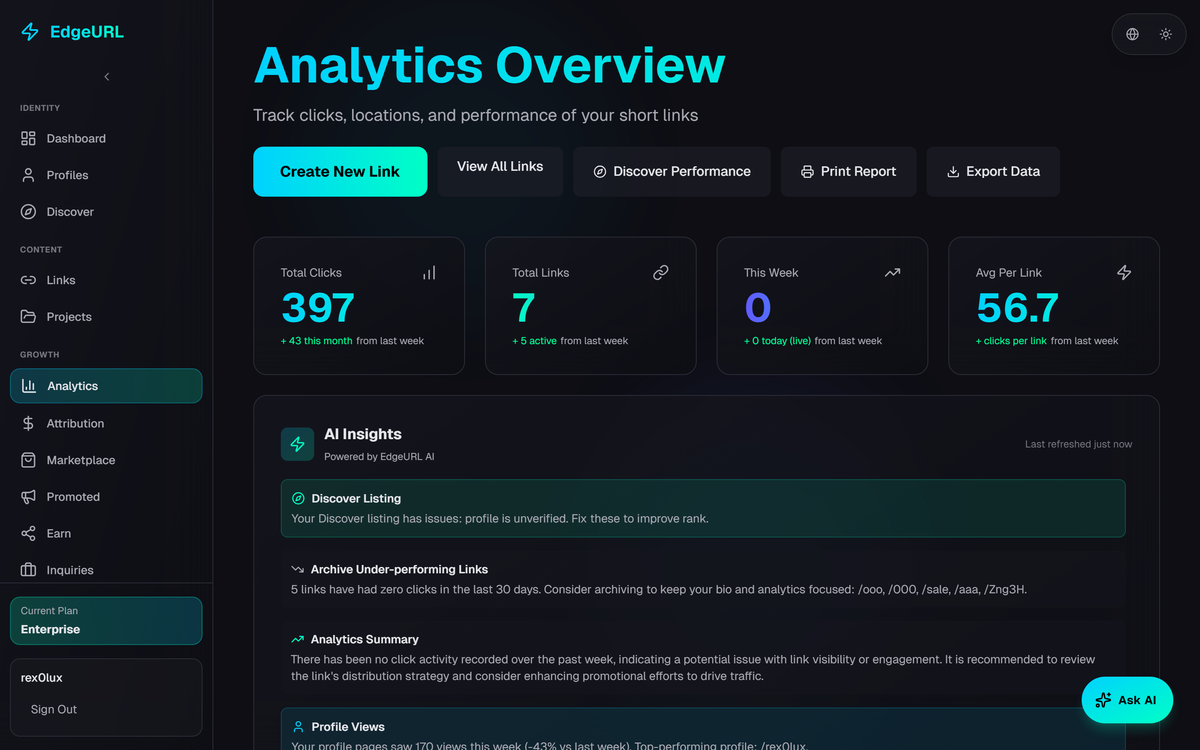
A real campaign, tagged correctly
Here's a concrete example to anchor the rest. We're shipping a Q1 launch announcement on April 28, 2026. Three channels: paid LinkedIn, an email blast to existing users, and an organic X post. The destination is the EdgeURL pricing page.
The base URL: https://edgeurl.io/docs/pricing
The three UTM-tagged versions:
https://edgeurl.io/docs/pricing?utmsource=linkedin&utmmedium=paidsocial&utmcampaign=q12026launch&utmc>v1

https://edgeurl.io/docs/pricing?utmsource=newsletter&utmmedium=email&utmcampaign=q12026launch&utmc>

https://edgeurl.io/docs/pricing?utmsource=x&utmmedium=organicsocial&utmcampaign=q12026launch&utmc>post_1
Notice what's the same and what's different.
utm_campaign is identical across all three. That's deliberate. It lets you pull all traffic from this launch in one analytics filter, regardless of channel. Campaign is the "what was the goal" tag.
utmsource and utmmedium differ. Source is where the click came from (linkedin, newsletter, x). Medium is the kind of channel (paidsocial, email, organicsocial). Together they answer "which channel?"
utm_content differs more granularly. It's how you tell similar links apart — the LinkedIn carousel vs. a single image post, the email header vs. the email footer button, post 1 vs. post 2 in a thread.
utm_term — the fifth parameter — isn't here. It's only useful for paid search keyword tracking. If you're not bidding on keywords, skip it.
Once these are live, in GA4 you can pull a single report filtered by utmcampaign=q12026_launch and see every click from every source, segmented by channel and content variant. That's the entire payoff.
The naming convention you should actually use
Most teams write a "UTM naming convention" document, share it once, then never enforce it. Six months later their analytics is a mess. The fix is to make the convention impossible to break, not just possible to follow.
Three rules that handle 95% of the problem:
Lowercase everything. GA4 is case-sensitive. Facebook, facebook, and FACEBOOK are three different sources. Lowercase is the default; anything else creates duplicates that have to be cleaned up later. Use a builder tool that auto-lowercases, or build your URLs in a spreadsheet with a =LOWER() wrapper, or wire up an internal validator that rejects mixed case.
Underscores, not hyphens or spaces. q12026launch not q1-2026-launch and definitely not Q1 2026 Launch. Spaces break URLs entirely (they get URL-encoded into %20, which is technically valid but visually ugly and a common copy-paste failure point). Underscores are the safest separator; pick one and never mix.
A controlled vocabulary for source and medium. The values for utmsource and utmmedium should be a finite list, not free text. Keep a list of approved values somewhere your team and tools can reference. Anything that's not on the list either gets added intentionally or gets rejected. Standard mediums to start with: cpc, paidsocial, organicsocial, email, referral, display, affiliate, qr, print, podcast. Standard sources: the actual platform names (google, linkedin, instagram, tiktok, x, youtube), specific tools (mailchimp, klaviyo), and a small set of channel-level buckets (newsletter, partner_xyz).
If you have these three rules in place and enforced, your analytics stays clean. If you don't, no amount of documentation will save you.
Where UTMs should NOT go
This is the part most guides skip and most teams get wrong.
Internal links on your own site. If a visitor comes from a Google search and clicks a homepage banner that has UTM parameters on it, your analytics will overwrite the original "google / organic" source with whatever UTMs are on the banner. The original source data is lost. UTM parameters are for external marketing channels only. Internal navigation should be plain links.
Anything you don't control. If you're submitting a guest post or syndicating content somewhere, don't put UTMs on the link unless you confirmed they won't get stripped. Many publishers strip URL parameters on copy-paste; others rewrite links through their own redirect system that drops them. Verify before relying on the data.
Anywhere with personal information. UTMs are visible in the URL. Never include user emails, account IDs, names, or anything else you wouldn't want a screenshot to expose. Use coded campaign names if internal context matters; keep the actual mapping in your tracking spreadsheet.
The same URL twice with different UTMs. This sounds obvious but happens constantly with link shorteners. If you generate two short links pointing at the same destination with the same UTMs, you're not collecting better data — you're just splitting click counts across two short links and losing the consolidated view.
UTMs + short links: the actual workflow
Long URLs with UTM tails look spammy in social posts and break in some email clients. So the standard workflow is: build the full UTM URL first, then shorten it. The redirect preserves the parameters.
Full: https://edgeurl.io/docs/pricing?utmsource=linkedin&utmmedium=paidsocial&utmcampaign=q12026launch&utmc>v1
Short: 0gr.me/launch26-li
The short link version goes in the post. When clicked, the user is redirected to the full URL with all UTMs intact, GA4 captures the parameters, your reports stay clean.
Two upgrades that matter as you scale:
Use a link manager that does the UTM building inline. Hand-typing UTM parameters into URLs is where typos come from. EdgeURL (and most other modern link tools) have a UTM builder integrated into link creation — you fill in five fields and it constructs the URL. Removes a class of errors entirely.
Use a custom short domain. 0gr.me/launch26-li is fine. links.yourbrand.com/launch26-li is better. Same redirect, but the domain reinforces your brand and keeps every backlink building your SEO instead of the shortener's.
UTMs and AI agents (the new part)
Here's a thing that didn't matter two years ago and matters now.
If you have an AI agent that creates links on your behalf — a Claude or ChatGPT instance with access to your link management tool, an internal automation, a Cursor agent that posts on your team's behalf — the agent will produce UTMs. Whether those UTMs follow your convention depends on how you set up the agent.
Two things to do:
Pass the convention into the agent's system prompt. Most agents will follow consistent naming if you give them the rules upfront. "Use lowercase only. Underscores between words. utmmedium must be one of: cpc, paidsocial, organicsocial, email, referral, display, affiliate, qr, print, podcast. utmsource must match the actual platform name." This costs nothing and prevents 90% of the inconsistency that creeps in over time.
Use a tool with per-agent attribution. If you're using EdgeURL's AI agent API, every link an agent creates is tagged with which agent created it — visible in the audit log. When something looks weird in your analytics three months from now, you can trace whether it was a human or an agent that built the broken link, which agent specifically, and what it was trying to do. Other tools generally don't have this; the agent looks the same as a human user, and bad UTMs become anonymous bugs.
This is going to matter more, not less. Agents are going to keep doing more of the link-creation work for marketing teams. Either you set up the convention so the agents inherit it, or you spend the next year cleaning up data.
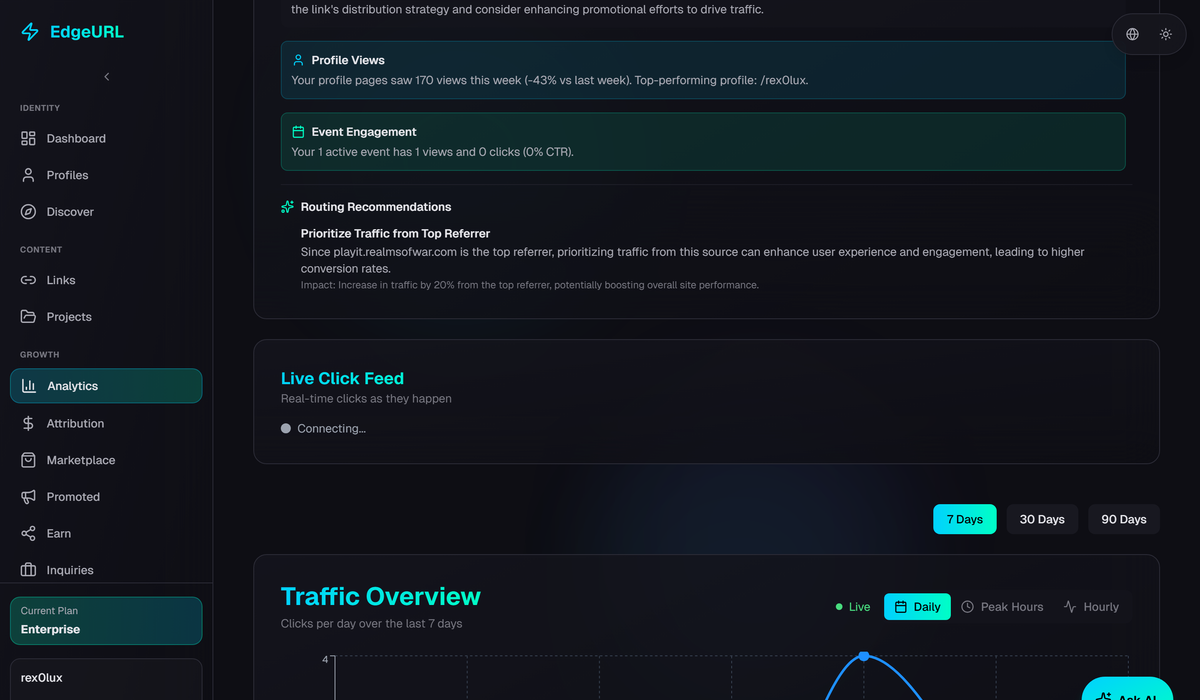
A fast audit: are your UTMs actually working?
Twenty minutes to check the health of your tracking:
Step 1. In GA4, pull the Traffic Acquisition report and group by Session Source / Medium. Look for duplicates: any source/medium pair that's a casing or spelling variant of another (facebook and Facebook, email and Email, paid_social and paid-social). Each of these is leaking signal.
Step 2. Filter the same report by Campaign. Look for campaigns with very low traffic that you remember running. If a campaign you spent money on shows fewer than 10 sessions, the UTMs are probably wrong on the live links — not that the campaign failed.
Step 3. Check three of your live links by clicking them and watching the URL bar. Are the UTM parameters arriving on the destination page? If they get stripped (some redirect chains drop them), the campaign is invisible in analytics regardless of what you intended.
Step 4. If you have a link manager, pull a list of links created in the last 30 days and scan their UTMs. Anything inconsistent with your convention gets flagged. If you have an AI agent creating links, pull its links specifically — this is where convention drift starts.
Step 5. Check Google Search Console under Coverage > Errors for any URLs with UTM parameters that 404ed. This catches typos in the base URL that nobody noticed.
Twenty minutes once a quarter keeps the data clean. Skipping it for a year is how teams end up with analytics nobody trusts.
The minimum-viable UTM checklist
Before any link with UTMs goes out:
- All values lowercase
- Underscores between words, no spaces
utm_sourcematches a known source from your controlled vocabularyutm_mediummatches a known medium from your controlled vocabularyutm_campaignis consistent across all links in the same campaignutm_contentis set if you're running multiple variants of the same linkutm_termis only set for paid search- The full URL has been click-tested and parameters arrive at the destination
- The link is logged in your campaign tracking spreadsheet or tool
UTMs are boring infrastructure. Boring infrastructure done well compounds. A team with consistent UTM data three years in can answer questions a team without it can't — which channels brought their best customers, which content pieces converted, which campaigns were worth running again. A team without it spends three years guessing.
If you're using EdgeURL, the link creation flow has UTM fields built in — no hand-construction required. The AI agent API tags every agent-created link with attribution so the convention enforcement works whether the link came from a human or an agent. Start here if you want to skip the spreadsheet phase.
Related reading: Link Hygiene: The SEO Practice 90% of Creators Ignore covers redirect chains and the canonical URL trap that interacts with UTMs. How to Pick a Linktree Alternative in 2026 covers which link manager to use under all this.