Learn 5 proven workarounds to add a clickable link to your TikTok bio without reaching 1000 followers. Includes business account method, pinned comments, and EdgeURL profiles.
Looking for Linktree alternatives in 2026? Compare the 9 best link-in-bio tools including free options, URL shorteners, and all-in-one platforms with analytics and QR codes.
Discover how fndr.gg helps creators get found organically. Learn how the free discovery platform works, how to optimize your profile, and boost your fndr score.
Create shortened links, generate QR codes, and track analytics with EdgeURL.
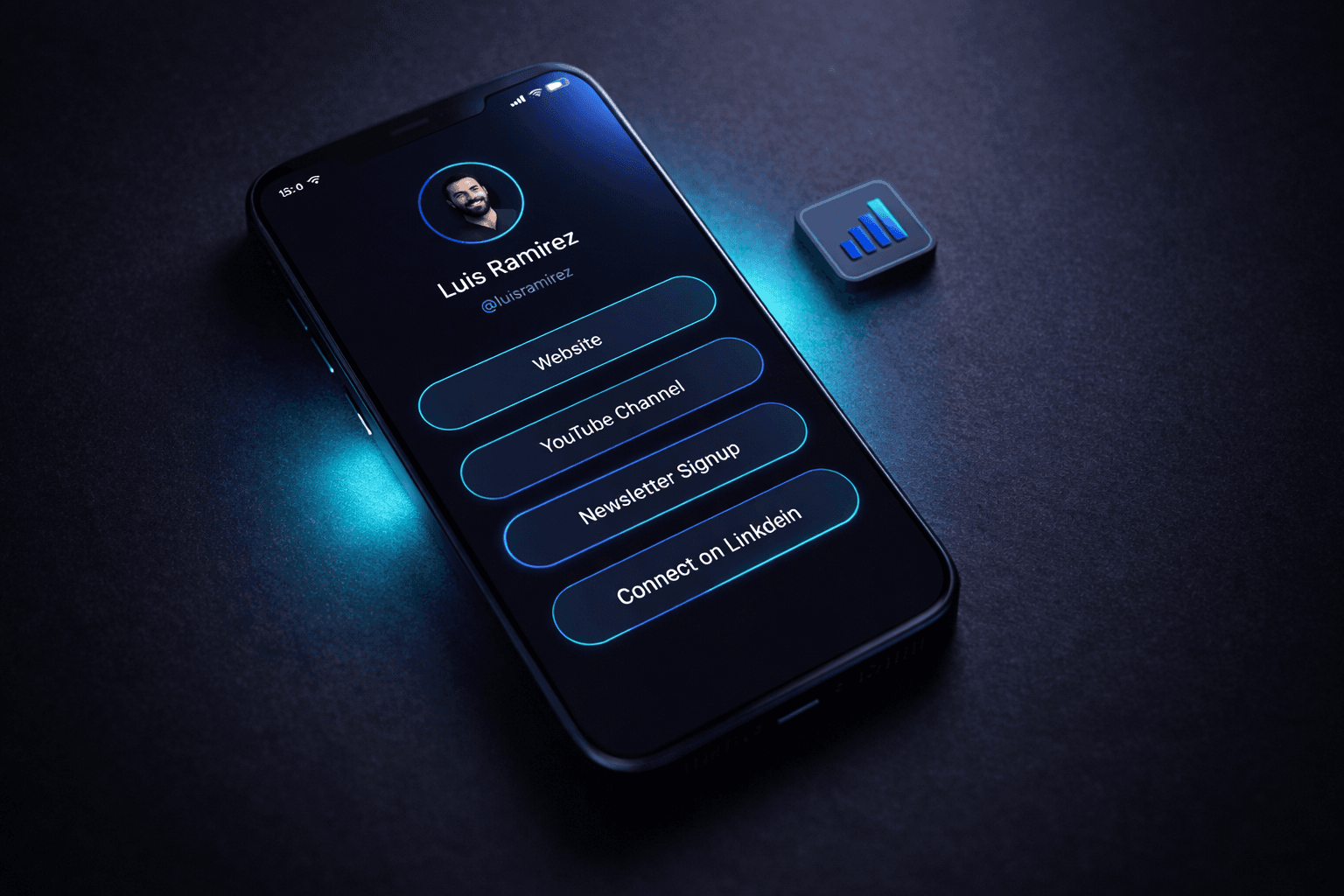
Your link-in-bio page is the most valuable real estate you own. One link. Millions of potential clicks. And most creators waste it on a cluttered mess that converts nobody.
The average visitor spends less than 8 seconds on a bio page before deciding to click or bounce. Eight seconds to capture interest, communicate value, and guide them toward action.
This guide covers what actually works. Not theory. Not fluff. Strategies backed by click data from millions of bio page visits across every major platform.
Look at any creator's bio page and you will find the same problems. A wall of links with no hierarchy. Outdated content from six months ago. Generic buttons that say "Click Here" without explaining why anyone should.
The fundamental mistake is treating bio pages like storage units. Creators dump every link they might ever need and hope visitors figure it out themselves.
Visitors will not figure it out. They will leave.
Research in decision psychology shows that more choices lead to fewer decisions. When faced with 15 identical-looking links, most people click nothing.
This is called analysis paralysis. Your visitors want to click something. But when everything looks equally important, nothing feels important enough to choose.
The data is clear:
| Number of Links | Average Click-Through Rate |
| 3-5 links | 34% CTR | | 6-10 links | 21% CTR | | 11-15 links | 12% CTR | | 16+ links | 6% CTR |
Fewer links means more clicks. Not because you have less to offer, but because you have made the decision easier.
Even with fewer links, placement matters. Heat map studies of bio pages show consistent patterns:
Understanding why people click helps you design pages that convert.
Mobile users scroll fast. They are not reading your bio page. They are scanning it. Your page must communicate its purpose in under 8 seconds or you have already lost them.
This means:
Visitors arrive with skepticism. They need reasons to trust a link before clicking it.
Effective trust signals:
Some links get more clicks because they feel urgent or exclusive.
High-converting link types:
A high-performing bio page follows a specific structure. Here is the framework that works across every niche.
Newspapers figured this out decades ago. Put the most important information first. Your bio page should follow the same principle.
Structure:
"Above the fold" means visible without scrolling. On mobile, this is roughly the top 400-500 pixels.
Your primary CTA must be above the fold. Always. No exceptions.
If visitors have to scroll to find your most important link, you are already losing 40% of potential clicks.
When you have multiple links, grouping helps visitors navigate faster.
Effective groupings:
[Primary CTA - Featured content or offer]
CONTENT
- Latest video
- Top playlist
SHOP
- Digital products
- Merchandise
CONNECT
- Newsletter signup
- Work with me
Seven is the cognitive limit for most people processing options quickly. More than seven items creates overwhelm.
If you have more than seven links, you need to either:
Your bio page traffic is 90-95% mobile. Desktop optimization is almost irrelevant.
Links must be large enough to tap accurately on a phone screen. The minimum recommended tap target is 44x44 pixels.
Best practices:
Slow bio pages kill conversions. Every second of load time drops click-through rates by 7%.
Speed optimization:
Mobile users scroll vertically. Horizontal scrolling, carousels, and swipe-based navigation confuse and frustrate.
Keep your bio page in a single vertical scroll. If someone has to swipe sideways, you have already lost them.
Some links should stay permanent. Others should change regularly. Knowing the difference is critical.
These links are evergreen. They represent your core offerings and should always be accessible:
These links are time-sensitive and should update frequently:
| Content Type | Update Frequency |
| New video/post | Same day as publish | | Promotions | Start and end dates | | Events | 2 weeks before to event date | | Seasonal content | By season/quarter | | Evergreen links | Review quarterly |
Marking links as "NEW" increases click rates by 15-25%. Use this sparingly for genuinely new content. Overuse trains visitors to ignore it.
Vanity metrics are everywhere. Focus on numbers that indicate real performance.
Click-Through Rate (CTR) The percentage of visitors who click at least one link. Benchmark: 25-35% is good, 40%+ is excellent.
Link Click Distribution Which links get clicked most. Reveals what your audience actually wants.
Bounce Rate Percentage who leave without clicking anything. High bounce means your page fails to engage.
Conversion Rate For links with goals (sales, signups), track actual conversions, not just clicks.
Page Views High views with low clicks means your bio page looks busy but fails to convert.
Time on Page Longer is not always better. If someone spends 2 minutes confused about what to click, that is a failure.
Total Link Count More links does not equal more value. It often equals less engagement.
Test one variable at a time:
Each platform has unique constraints and audience behaviors.
Learn from failures that sink most bio pages.
A bio page from 6 months ago is a dead page. Visitors can tell when content is stale. Update at minimum monthly, ideally weekly.
When everything is equally prominent, nothing is prominent. Pick one most important link and make it visually dominant.
"Link 1", "Click Here", "My Site" - these tell visitors nothing. Specific labels like "Watch: 10-Minute Morning Routine" dramatically outperform vague ones.
If you design on desktop, you will get it wrong. Always design and test mobile-first.
More is not better. Every link you add dilutes the others. Be ruthless about removing underperforming links.
Flying blind means never improving. Use a bio page tool with built-in analytics or add UTM parameters to every link.
Your bio page should look like it belongs to you. Mismatched colors, fonts, or imagery creates distrust.
Before publishing your bio page, verify:
The best bio page is one that exists and gets updated. Perfection is not required to start.
Begin with 3-5 of your most important links. Track performance for two weeks. Remove what does not get clicks. Add what your audience requests.
Iteration beats perfection. A simple page you update regularly will always outperform a complex page you ignore.
Looking for a bio page that loads fast and tracks everything? EdgeURL's Edge Bio gives you unlimited links, real-time click analytics, and sub-second load times on every plan.