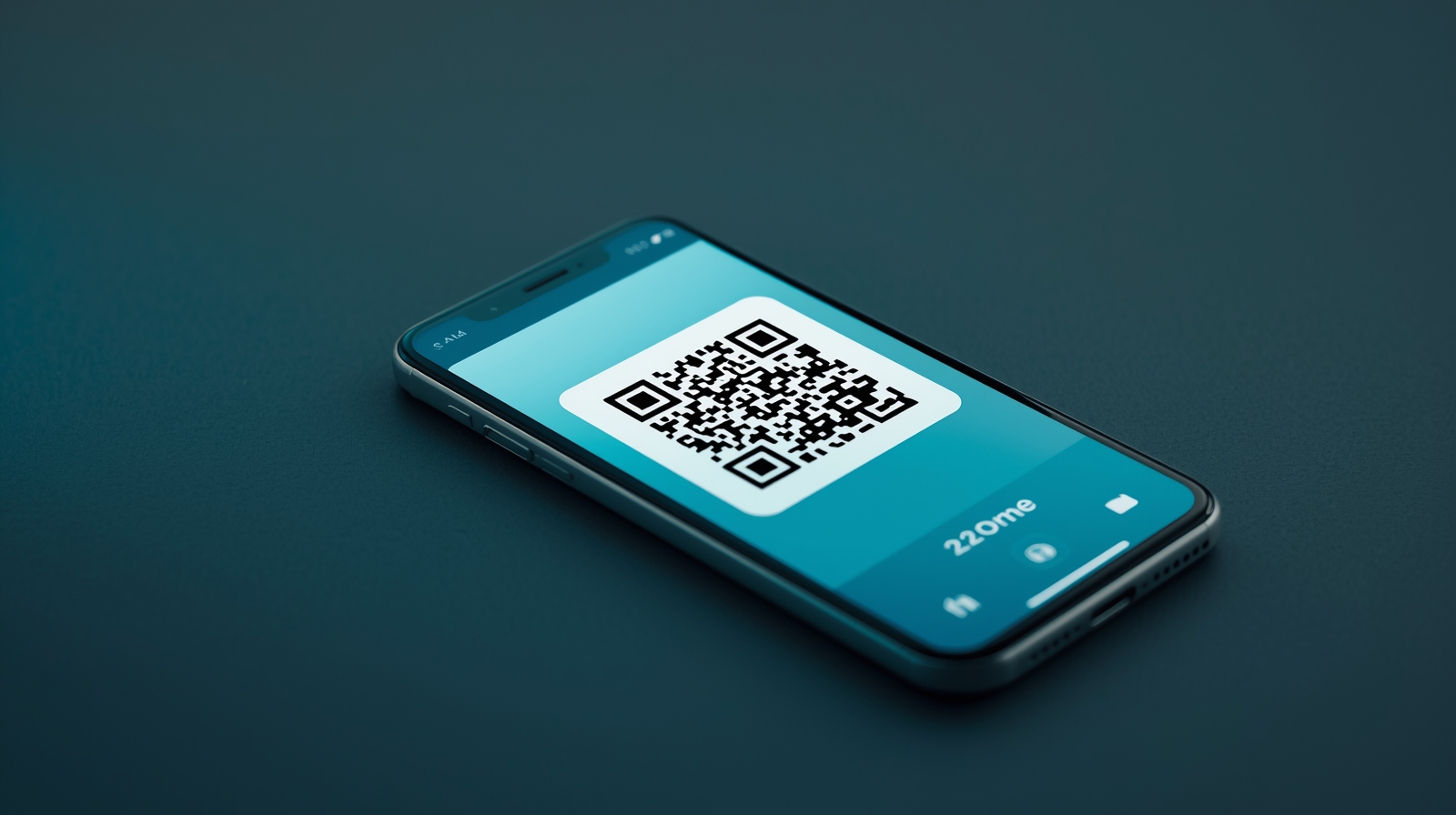
QR Code Best Practices in 2025: The Complete Guide
Stop making QR code mistakes that cost you money. Learn sizing, design, mobile optimization, and tracking best practices that actually work in 2025.
QR codes are everywhere in 2025. Restaurants, business cards, product packaging, billboards, event tickets. Yet most QR codes fail to deliver results because of preventable mistakes.
This guide covers everything you need to know about QR code best practices. No fluff. Just practical advice that works whether you are printing 100 business cards or launching a national campaign.
Why Most QR Codes Fail
Before diving into best practices, let us understand why QR codes underperform. The problems usually fall into three categories:
Technical failures - The code does not scan. Too small, poor contrast, or damaged by design elements.
Experience failures - The code scans but leads to a desktop site on mobile, a broken link, or a page that does not match user expectations.
Tracking failures - The code works but you have no idea how many people scanned it, when, or where.
Each of these is fixable. Here is how.
Size and Placement Best Practices
The most common QR code mistake is making it too small. A QR code that cannot be scanned is worthless, no matter how good your campaign is.
Minimum Size Rules
The general rule is 1 inch (2.5 cm) minimum for close-range scanning like business cards or table tents. But size requirements change based on scanning distance:
| Scanning Distance | Minimum QR Size | |-------------------|-----------------| | 6 inches (15 cm) | 0.5 inch (1.3 cm) | | 1 foot (30 cm) | 1 inch (2.5 cm) | | 3 feet (1 m) | 3 inches (7.5 cm) | | 6 feet (2 m) | 6 inches (15 cm) | | 10 feet (3 m) | 10 inches (25 cm) |
The ratio is roughly 1:10 - for every 10 units of distance, you need 1 unit of QR code size.
Placement Considerations
Where you place your QR code matters as much as its size:
- Eye level works best for wall-mounted codes
- Avoid corners and edges where folding or damage occurs
- Leave white space around the code (quiet zone)
- Consider lighting - glossy surfaces cause glare that blocks scanning
- Test the actual environment before mass printing
The Quiet Zone
Every QR code needs empty space around it called the quiet zone. This helps scanners identify where the code begins and ends.
Minimum quiet zone: 4 modules wide (the small squares that make up the QR code)
A safe rule is to leave at least 10% of the QR code width as blank space on all sides.
Design Rules That Actually Work
You can customize QR codes. You can add colors, logos, and rounded corners. But every design choice has trade-offs.
Contrast Is Everything
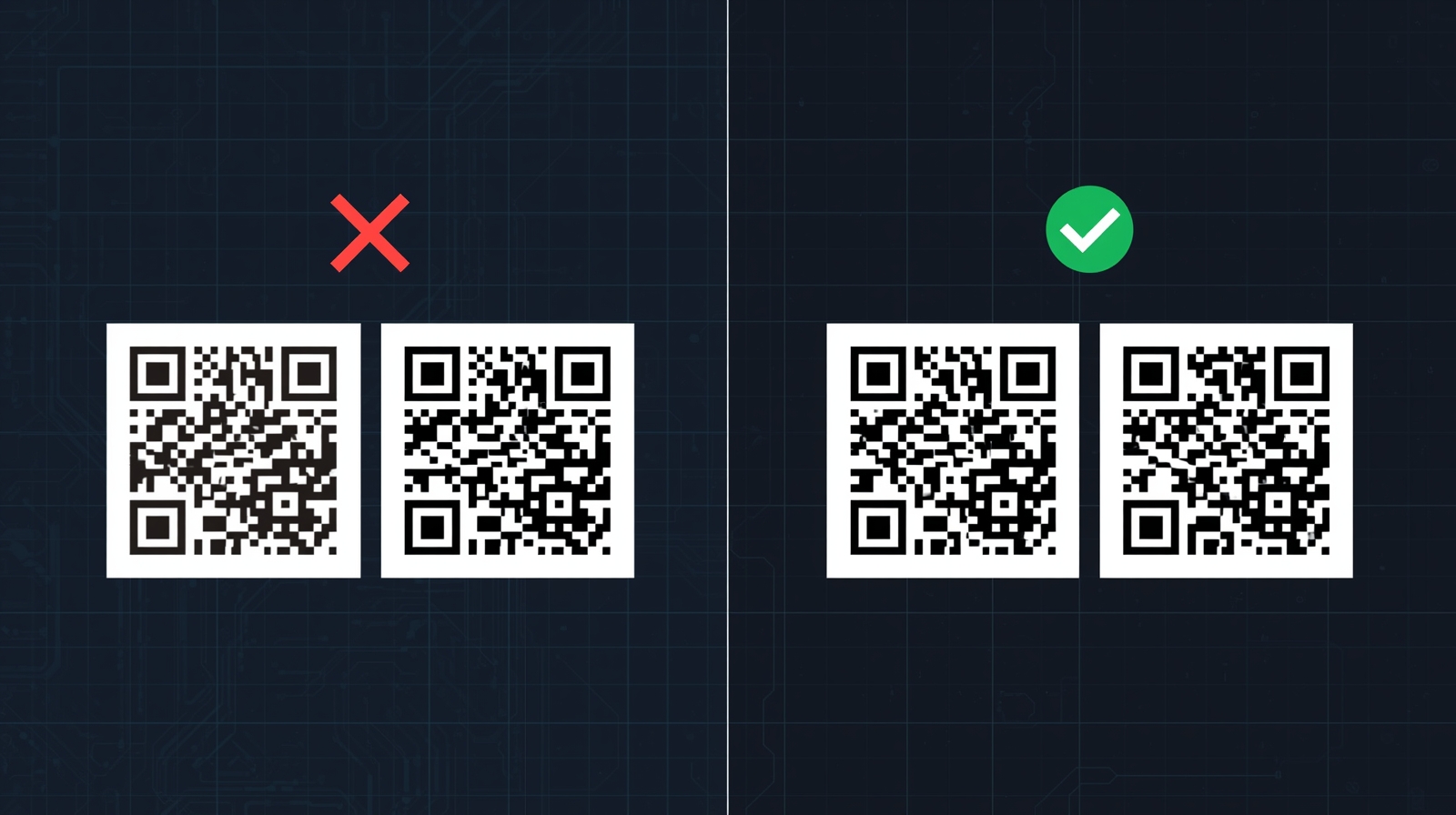
QR codes work through contrast. The scanner needs to clearly distinguish between light and dark areas.
Safe choices:
- Black on white (highest reliability)
- Dark blue on white
- Dark green on white
- Black on light yellow
Risky choices:
- Light colors on light backgrounds
- Similar hue combinations (blue on purple)
- Gradients across the code
- Busy background images
Test rule: If you squint and the code blurs together, the contrast is too low.
Logo Integration
Adding a logo to the center of your QR code is popular but requires care:
- Keep logos under 30% of the code area
- Use high error correction (Level H) when adding logos
- Maintain contrast between logo and code
- Test on multiple devices after adding a logo
Color Psychology
If you use color, make it intentional:
- Red creates urgency (sales, limited offers)
- Blue builds trust (professional services, information)
- Green suggests action (sustainability, go/proceed)
- Brand colors increase recognition
Mobile-First Linking Strategy
Here is where most QR code campaigns die. The code works perfectly. The user scans it. Then they land on a desktop website that requires pinching and zooming on mobile.
The Mobile Experience Checklist
Every QR code destination should pass these tests:
Destination Page Types
Different campaigns need different landing pages:
Product information - Clean, fast-loading product pages with key details visible immediately
Contact/vCard - Direct download of contact information, not a web page
App downloads - Smart links that detect iOS vs Android and redirect appropriately
WiFi access - Direct network connection without typing passwords
Payment - Mobile-optimized checkout with Apple Pay and Google Pay options
Social profiles - Link-in-bio style pages that aggregate all your platforms
Deep Linking
For app-based destinations, use deep links that open directly in the app when installed, or fall back to the app store or web version when not.
This creates a seamless experience regardless of whether users have your app installed.
Tracking and Analytics Setup
A QR code without tracking is a missed opportunity. You should know exactly how your codes perform.
What to Track
Essential metrics for QR code campaigns:
- Total scans - Raw volume
- Unique scans - Individual users
- Scan timing - When people engage
- Location data - Where scans happen (city/country level)
- Device breakdown - iOS vs Android vs other
- Conversion rate - Scans that complete desired actions
Dynamic vs Static QR Codes
Static QR codes encode the destination URL directly. Once printed, the destination cannot change.
Dynamic QR codes encode a redirect URL. The final destination can be changed without reprinting.
For any campaign of significance, use dynamic codes. You can:
- Fix broken links without reprinting
- A/B test different destinations
- Update promotions after printing
- Track detailed analytics
UTM Parameters
Add UTM parameters to your QR code URLs for integration with Google Analytics:
https://example.com/page?utmsource=qr&utmmedium=print&utmcampaign=spring2025&utmcontent=businesscardThis lets you track QR code traffic alongside your other marketing channels.
Print vs Digital Considerations
QR codes behave differently in print and digital contexts. Plan accordingly.
Print-Specific Best Practices
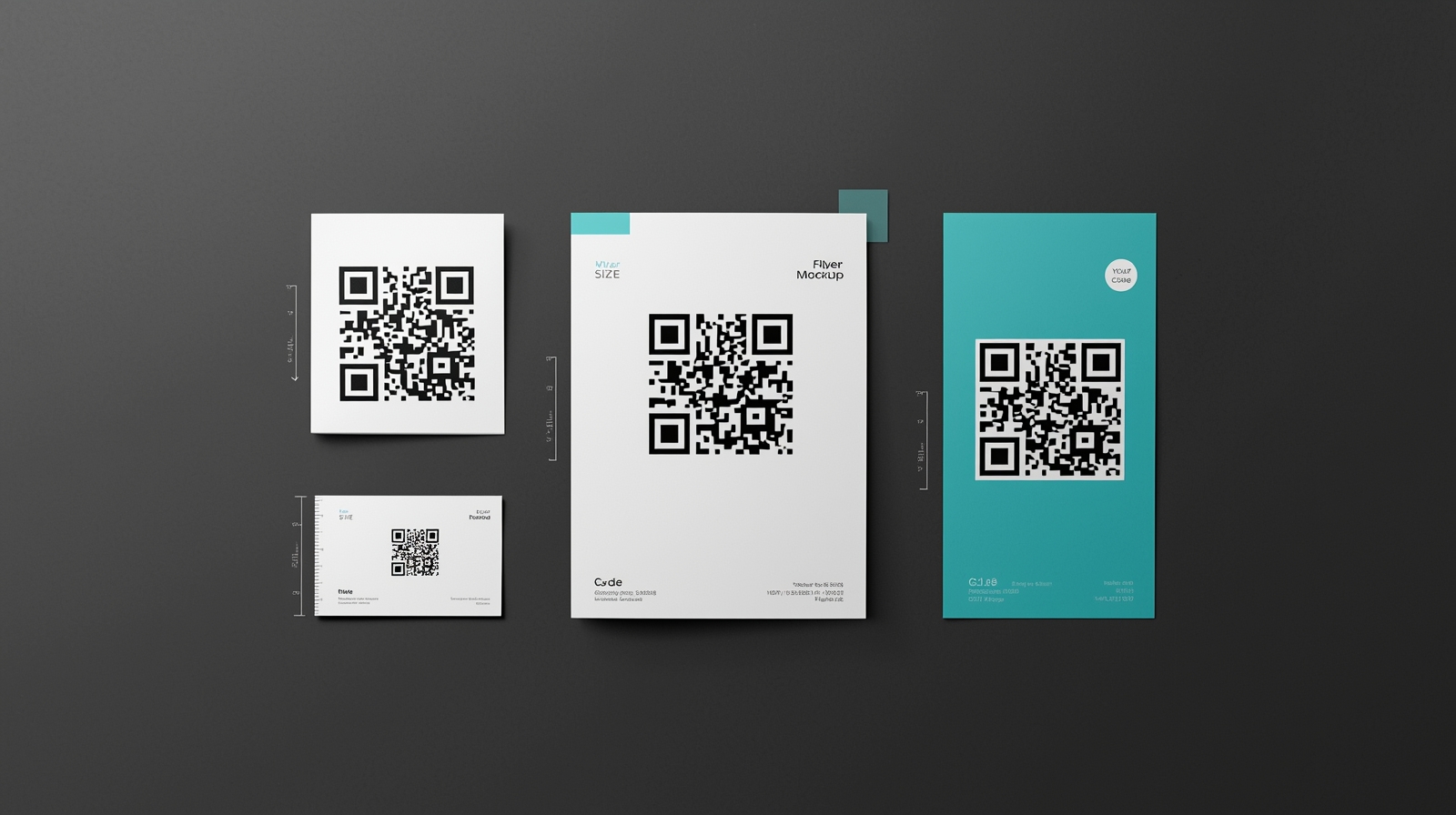
Resolution matters - Export QR codes as vector files (SVG, PDF, EPS) for print. Bitmap images (PNG, JPG) can blur when scaled.
CMYK color mode - Convert colors to CMYK for accurate print reproduction. RGB colors shift during printing.
Bleed and trim - Keep QR codes away from trim edges. Slight cutting variations can damage the quiet zone.
Paper finish - Matte finishes scan better than glossy. Gloss creates reflections that interfere with scanning.
Test prints - Always scan a test print before mass production. Screen appearance does not guarantee print scannability.
Digital-Specific Best Practices
Clickable fallback - On screens, make QR codes clickable with the same destination link. Not everyone wants to scan a code on the device they are already using.
Responsive sizing - QR codes on websites should scale appropriately across screen sizes.
Animation caution - Animated QR codes look cool but scan unreliably. Keep animation subtle or provide a static version.
Screenshot consideration - Users might screenshot your QR code to scan later. Ensure the code remains functional when captured.
Common Mistakes to Avoid
Learn from others' expensive errors:
Mistake 1: URL Shorteners That Expire
Free URL shorteners sometimes expire links or shut down entirely. Your printed materials become useless overnight.
Solution: Use a reliable link management platform with permanent links, or use your own domain.
Mistake 2: No Error Correction
Default QR generators often use low error correction to create smaller codes. Any damage or obstruction breaks the code.
Solution: Use Level M (15% recovery) minimum. Use Level H (30% recovery) for codes with logos or outdoor placement.
Mistake 3: Forgetting the Call to Action
A QR code alone does not tell people what to expect. Why should they scan it?
Solution: Add clear text near the code: "Scan for menu" or "Scan to connect" or "Scan for 20% off"
Mistake 4: Testing Only on Your Phone
Different phones and camera apps handle QR codes differently. What works on your iPhone might fail on older Android devices.
Solution: Test on at least three different devices before finalizing any QR code.
Mistake 5: Encoding Too Much Data
The more data encoded, the denser and harder to scan the QR code becomes. Long URLs create complex codes.
Solution: Use shortened URLs or dynamic QR codes that encode a simple redirect URL.
Quick Reference Checklist
Before finalizing any QR code, run through this checklist:
Technical Requirements
- [ ] Minimum 1 inch for handheld scanning distance
- [ ] Adequate quiet zone (10% of code width)
- [ ] High contrast between code and background
- [ ] Error correction Level M or higher
- [ ] Vector format for print (SVG/PDF)
Destination Requirements
- [ ] Mobile-optimized landing page
- [ ] Loads under 3 seconds
- [ ] Clear call to action on the page
- [ ] Tracking/analytics enabled
- [ ] UTM parameters added
User Experience
- [ ] Clear call to action near the code
- [ ] Value proposition obvious
- [ ] Tested on multiple devices
- [ ] Backup link for digital contexts
Campaign Management
- [ ] Using dynamic QR codes for flexibility
- [ ] Analytics dashboard set up
- [ ] Team knows how to check results
- [ ] Plan for what happens after campaign ends
Making QR Codes Work For You
QR codes are simple technology with complex implementation. The difference between a QR code that drives results and one that wastes your budget comes down to attention to detail.
Start with the basics: proper sizing, good contrast, mobile-friendly destinations. Add tracking so you learn what works. Test before you print.
The best QR code is one that users actually scan and that delivers the experience they expect. Everything else is decoration.
Whether you are printing business cards or launching a billboard campaign, these best practices apply. Get the fundamentals right, and QR codes become one of the most cost-effective bridges between physical and digital experiences.
Need help creating and tracking QR codes? EdgeURL offers dynamic QR code generation with built-in analytics, so you always know how your codes perform.